Skip to brand book content
Bobby InboxBobby Inbox
Selected-direction record

BI-UI-002 · Canonical brand book · bobbyinbox.com

Bobby Inbox is where the important signal rises above the noise.

Bobby Inbox is an AI-assisted shared inbox, email-routing and communication-operations platform. A workspace receives email directly or by forwarding, every message stays visible inside its channel, teams organise and answer together, and every routing and delivery decision stays auditable. This is the complete identity system behind it.

Design record. This brand book shows the visual system with sample data. It does not describe the current product state; the home page states what runs in the invitation-only pilot.

Brand book contents (49 sections)

01 · Brand

Brand introduction

Bobby Inbox exists for teams whose most important work arrives as a message. The identity is built on one idea: volume is not the problem — losing the signal inside it is. Every element of this system, from the three descending rows of the mark to the single yellow status dot, is a restatement of that idea in visual form.

Signal, not volume

The brand always shows one thing rising above the rest.

Nothing disappears

Visibility is the promise. The design never hides state.

Accountable by default

Every routing and delivery step can be explained.

02 · Brand

Product definition

Bobby Inbox is an AI-assisted shared inbox, email-routing and communication-operations platform for teams. Email is the first channel; other channels come later.

  • A workspace can receive email directly at a Bobby Inbox address, or through forwarding from an address the team already uses.
  • Every message remains visible inside its Bobby Inbox channel. Forwarding never makes a message disappear from where the team is looking.
  • Teams organise, tag, assign and respond together, from one shared view rather than from separate personal mailboxes.
  • Routing and delivery activity remains auditable: what arrived, what rule matched, who was assigned, what was sent and what the receiving server said.
  • AI assistance is optional and controlled by the workspace. It summarises and suggests; a person decides and sends.
  • API access is an optional add-on. MCP is Coming soon.

Claim discipline. Describe only what a workspace can actually do today. Capabilities that are not built are labelled “Coming soon” or omitted — never implied through screenshots, copy or diagrams.

03 · Brand

Mission

To make sure the message that matters is never the one a team misses.

We build the shared surface where incoming communication becomes ordered, visible and owned — so responding well is the default, not an act of heroism.

04 · Brand

Vision

A workspace where every inbound conversation — whatever channel it arrives on — has one visible home, one accountable owner and one traceable history. Assistance handles the reading; people keep the judgement.

05 · Brand

Brand promise

Every message stays visible.

Forwarding moves a copy, never the evidence.

The signal rises.

Priority is shown, not buried three scrolls down.

One clear place.

Your team answers from the same view, not five mailboxes.

Help without handover.

AI assists on request; a person still sends.

06 · Brand

Positioning

For teams who run their work through a shared address, Bobby Inbox is an AI-assisted shared inbox and email-routing platform that keeps every message visible in one channel and every routing decision accountable. Unlike a forwarded mailbox or a personal client stretched across a team, Bobby Inbox treats routing, ownership and delivery as first-class, observable operations.

  • Positioned on visibility and accountability, not on speed claims or inbox-zero rhetoric.
  • AI is positioned as optional assistance under workspace control — never as autonomy.
  • Never position against a named competitor, and never borrow competitor product language.

07 · Brand

Primary audiences

Support and service teams

Shared support addresses where response ownership matters more than raw speed.

Operations and logistics

Inbound coordination that must be traceable after the fact.

Finance and billing

Invoice and payment threads that need an audit trail.

Agencies and studios

Client addresses handled by rotating people.

Founders and small teams

One inbox, several people, no personal mailbox sprawl.

Internal IT and workplace

Requests forwarded in from elsewhere that must stay visible.

08 · Brand

Core use cases

  • Consolidate a shared address so several people work one queue instead of forwarding between themselves.
  • Forward an existing address into a channel while keeping every message visible in that channel.
  • Route by rule — sender, subject, tag or address — and see which rule matched.
  • Assign ownership so a thread is never everyone's and therefore no one's.
  • Review a delivery audit when a customer says they never received a reply.
  • Ask for an optional AI summary of a long thread before answering it.

09 · Brand

Brand story

Bobby Inbox started from a familiar failure: a message arrives, someone forwards it, and it quietly leaves the place everyone is watching. Days later nobody can say where it went or who had it. The fix was not another notification — it was a shared surface where forwarding adds visibility instead of removing it, where priority is a property of the message rather than a memory of a person, and where the history of a message can be read back in order. Signal Stack is that story drawn: rows of arriving communication, resolving into order, with the one that matters marked.


10 · Logo

Signal Stack concept

Signal Stack

Three stacked signal rows read as a conversation list resolving from volume into order. The rows shorten as they descend, giving the mark direction: attention narrows rather than scatters. One circular indicator, in Bobby Yellow, marks the message routing has raised to the top.

  • Rows: 9px height on a 64 grid, 4.5px corner radius, 6.5px gutters.
  • Row widths 52 / 38 / 22 — a consistent narrowing rhythm, not arbitrary steps.
  • The status dot sits at r=10.5 with its right edge optically aligned to the top row terminal.
  • Below 24px the mark switches to the micro build: 11px rows and r=13 dot.

12 · Logo

Horizontal wordmark

The horizontal wordmark is the primary lockup used in navigation bars, email headers and document headers, where vertical space is the constraint.

Bobby Inbox horizontal lockup

13 · Logo

Stacked lockup

The stacked lockup centres the symbol above the wordmark. Use it in square or near-square containers: avatars with room for type, presentation covers, merchandise and signage.

Bobby Inbox stacked lockup on a light background
Bobby Inbox stacked lockup in white

14 · Logo

Standalone brand icon

The standalone brand icon is the Signal Stack symbol on its own. Use it once the wordmark is already established in context: app icons, avatars, favicons, in-product chrome.

128px

96px

64px

48px

32px

15 · Logo

Micro mark

Below 24px the full geometry loses its rhythm, so the mark simplifies rather than blurs: rows thicken from 9 to 11px, opacity is dropped so every row is solid, and the status dot grows to r=13 so it survives as a readable disc at 16px.

Micro build — true pixel sizes

16px

20px

24px

Enlarged comparison

Full

Micro

16 · Logo

Brand emoji

📨

The recommended brand emoji is 📨 (U+1F4E8, incoming envelope). It carries arrival and routing — a message moving toward a destination — which is exactly the Bobby Inbox subject. Secondary options: 📬 for channel setup notes and ✨ only when labelling optional AI assistance.

The emoji is for copy, labels, changelogs and social posts only. It is never the logo, never a favicon, never an app icon and never a substitute for the Signal Stack mark.

17 · Logo

Construction and geometry

The mark is drawn on a 64×64 grid with a 6px optical margin. Every value below is fixed; do not redraw the mark by eye.

Grid
64 × 64 units, 8-unit modules
Optical margin
6 units left, right and top
Row height
9 units (11 in the micro build)
Row radius
4.5 units — a full half-height pill
Row widths
52 / 38 / 22
Row gutters
6.5 units, even
Status dot
r = 10.5 at (47.5, 47.5)
Micro dot
r = 13 at (47, 45)
Row 2 and 3 opacity
0.62 (100% in the micro build)
Colour
Rows currentColor, dot #FFD600 — flat only

18 · Logo

Clear-space rules

Clear space equals the height of one signal row — 9 units at mark scale, or one quarter of the symbol's height. Nothing may enter this zone: no type, no rule, no image edge, no button.

Bobby Inbox
= one row height

19 · Logo

Minimum-size rules

Tested at every size in the family. Do not enlarge a raster export — always scale the SVG or use the next size up.

16px

24px

32px

48px

64px

128px

256px

512px and 1024px exist as production exports in the app-icon family; they are not shown here at true size for layout reasons.

  • Symbol minimum: 16px (micro build below 24px).
  • Horizontal lockup minimum: 104px wide — below this the wordmark counters close up.
  • Stacked lockup minimum: 72px wide.
  • Print minimum for the symbol: 6mm.

20 · Logo

Light and dark applications

  • Canvas

  • Deep Aubergine

  • Aubergine

  • Black

  • Bobby Yellow

  • White

Transparent background

21 · Logo

Monochrome applications

For single-colour reproduction — engraving, embroidery, fax-grade print, watermarks — the dot takes the same colour as the rows and all rows become solid. Never simulate the yellow with a tint or a screen.

100% black

100% white

Single-ink aubergine

22 · Logo

Incorrect logo usage

No gradients, anywhere

No recolouring the status dot

No stretching or squashing

No rotation

No shadows, glows or bevels

Bobby Inbox

No white text on yellow

Each tile above is a deliberate example of what not to do.

  • Do not redraw, re-space or re-letter the wordmark.
  • Do not place the lockup on a photograph without a solid brand panel behind it.
  • Do not use the emoji, an icon-font glyph or a screenshot in place of the mark.
  • Do not add a tagline inside the clear-space zone.

23 · Colour & type

Complete colour system

Five flat colours. No gradients, no tints beyond the documented row opacity inside the mark, and no substitutions for Bobby Yellow.

#FFD600

Bobby Yellow

RGB
255, 214, 0
OKLCH
oklch(0.8712 0.1793 95.5)
CMYK (approximate)
C0 M16 Y100 K0
Permitted foreground
Ink, black or Deep Aubergine
Intended use
Status indicator in the mark, priority signals, one primary call to action per view.
Prohibited use
Never as a page background behind long text, never as body-text colour, never shifted toward lime, chartreuse, mustard or orange.
#5A2D63

Aubergine

RGB
90, 45, 99
OKLCH
oklch(0.34 0.13 322)
CMYK (approximate)
C63 M89 Y31 K18
Permitted foreground
Canvas or white
Intended use
Primary brand surface, headings on light backgrounds, secondary buttons, the mark's rows.
Prohibited use
Not for large yellow-adjacent fills; never tinted toward blue or magenta.
#2A1030

Deep Aubergine

RGB
42, 16, 48
OKLCH
oklch(0.19 0.08 320)
CMYK (approximate)
C79 M96 Y44 K54
Permitted foreground
Canvas, white or Bobby Yellow
Intended use
Dark sections, app icon and favicon tile, inbox sidebar, footers.
Prohibited use
Not for small text on Ink; the two are too close to separate.
#241028

Ink

RGB
36, 16, 40
OKLCH
oklch(0.18 0.07 320)
CMYK (approximate)
C77 M94 Y47 K59
Permitted foreground
Canvas, white or Bobby Yellow
Intended use
Body text, interface text, icons and text on yellow surfaces.
Prohibited use
Not as a large brand surface — it reads as black rather than as the brand.
#FAF9F5

Canvas

RGB
250, 249, 245
OKLCH
oklch(0.98 0.008 100)
CMYK (approximate)
C2 M2 Y4 K0
Permitted foreground
Ink or Aubergine
Intended use
Default page background and light surfaces; text colour on dark aubergine.
Prohibited use
Never as text on white; never as the only separator between two light panels.

CMYK values are conversions from sRGB and must be re-profiled against the final press condition before production printing.

24 · Colour & type

Colour proportions

Proportion is what keeps the yellow meaningful. Roughly 60% neutral surface, 30% aubergine family, 8% ink, 2% Bobby Yellow.

Canvas 60%
Aubergine 30%
Ink
  • One yellow element per view carries the priority meaning; a second one destroys it.
  • Dark sections invert the ratio: Deep Aubergine surface, Canvas text, yellow still at 2%.
  • Never fill a full page or a full section background with Bobby Yellow.

25 · Colour & type

Accessibility and contrast

Ratios below are calculated from the canonical HEX values using the WCAG 2.1 relative luminance formula. Where a pairing is not listed, calculate it before use rather than assuming.

Calculated contrast ratios for Bobby Inbox colour pairings
PairingRatioResult
Ink on Canvas16.9:1Passes AA and AAA for all text sizes
Ink on white17.8:1Passes AA and AAA for all text sizes
Canvas on Deep Aubergine16.4:1Passes AA and AAA
White on Aubergine10.55:1Passes AA and AAA
Canvas on Aubergine10.02:1Passes AA and AAA
Ink on Bobby Yellow12.6:1Passes AA and AAA — preferred pairing
Deep Aubergine on Bobby Yellow12.24:1Passes AA and AAA
Black on Bobby Yellow14.87:1Passes AA and AAA
Bobby Yellow on Deep Aubergine12.24:1Passes AA and AAA
Bobby Yellow on Aubergine7.47:1Passes AA; AAA for large text
White on Bobby Yellow1.41:1Prohibited — fails every threshold
Bobby Yellow on white1.41:1Prohibited for text; permitted only as a solid shape

Hard rule. White text never appears on Bobby Yellow. Yellow surfaces take Ink, black or Deep Aubergine only. Yellow text never appears on Canvas or white.

26 · Colour & type

Typography

Display — Space Grotesk

Signal above noise

Wordmark, headings and large numerals. Bold for the primary voice, Medium for section headings. Tracking −0.02em at display sizes.

Text — DM Sans

Every message stays visible in its channel.

Interface and body text. Regular and Medium only; 1.6 line height for body copy, 1.45 for dense interface rows.

  • Two families, no third. A monospace fallback is permitted for message IDs and audit values only.
  • Sentence case everywhere except the wordmark, which is title case: Bobby Inbox.
  • Never letterspace lowercase body text; never use Space Grotesk below 14px.

27 · Colour & type

Type hierarchy

Bobby Inbox

Display · 48–60 / 1.05 / −0.02em · Hero statement

Bobby Inbox

H1 · 32 / 1.15 / −0.02em · Page title

Bobby Inbox

H2 · 24 / 1.2 · Section title

Bobby Inbox

H3 · 18 / 1.3 · Card and panel title

Bobby Inbox

Body · 16 / 1.6 · Paragraph text

Bobby Inbox

Body small · 14 / 1.5 · Interface text

Delivery audit

Caption · 12 / 1.4 · Labels and metadata

28 · Colour & type

UI typography

  • Inbox rows: DM Sans 14/1.45. Sender in Medium, subject in Regular muted, metadata at 11px uppercase with 0.1em tracking.
  • Buttons: DM Sans Medium 14, no letterspacing, sentence case — 'Create a channel', not 'CREATE A CHANNEL'.
  • Numerals: tabular figures for counts, timestamps and audit tables so columns do not jitter.
  • Truncate with an ellipsis at one line in list rows; never wrap a subject to three lines.
  • Minimum interface text size is 12px, and 12px is reserved for metadata only.
Nadia Kern09:41

Invoice mismatch on order 4471

Priority · assigned to Sam

29 · Expression

Iconography

Line icons at 1.75px stroke on a 24px grid, rounded caps and joins to echo the mark's 4.5-unit radius. Lucide is the source library; icons are never filled except for the status dot, which is the mark's own language.

30 · Expression

Inbox and routing icon language

Channel

A shared destination, never a personal folder.

Forwarded

A copy arrived from elsewhere and stayed visible here.

Priority

Raised by a rule — always paired with Bobby Yellow.

Delivery audit

The recorded history of an attempt.

Assignment

One accountable owner, shown by avatar.

AI assistance

Optional, on request, workspace controlled.

  • Yellow is reserved for priority and status. An icon is never yellow just for emphasis.
  • Sparkles marks assistance and only assistance — never speed, quality or automation.
  • Never draw a routing arrow that leaves the frame: routing moves within Bobby Inbox, it does not move messages away.

31 · Expression

Illustration direction

Illustration is geometric and diagrammatic: the same rounded-pill row as the mark, arranged into stacks, queues, lanes and rules. Flat fills only, three colours maximum per illustration, no outlines, no isometric perspective, no characters.

Routing study: a queue narrows, one item is raised, the rest keep their place.

32 · Expression

Photography and AI imagery

Photography is quiet, real and workplace-adjacent: desks, materials, printed matter, signage. Low saturation, one warm light source, generous negative space for the mark to sit in. Never stock-style people pointing at screens, and never a competitor interface.

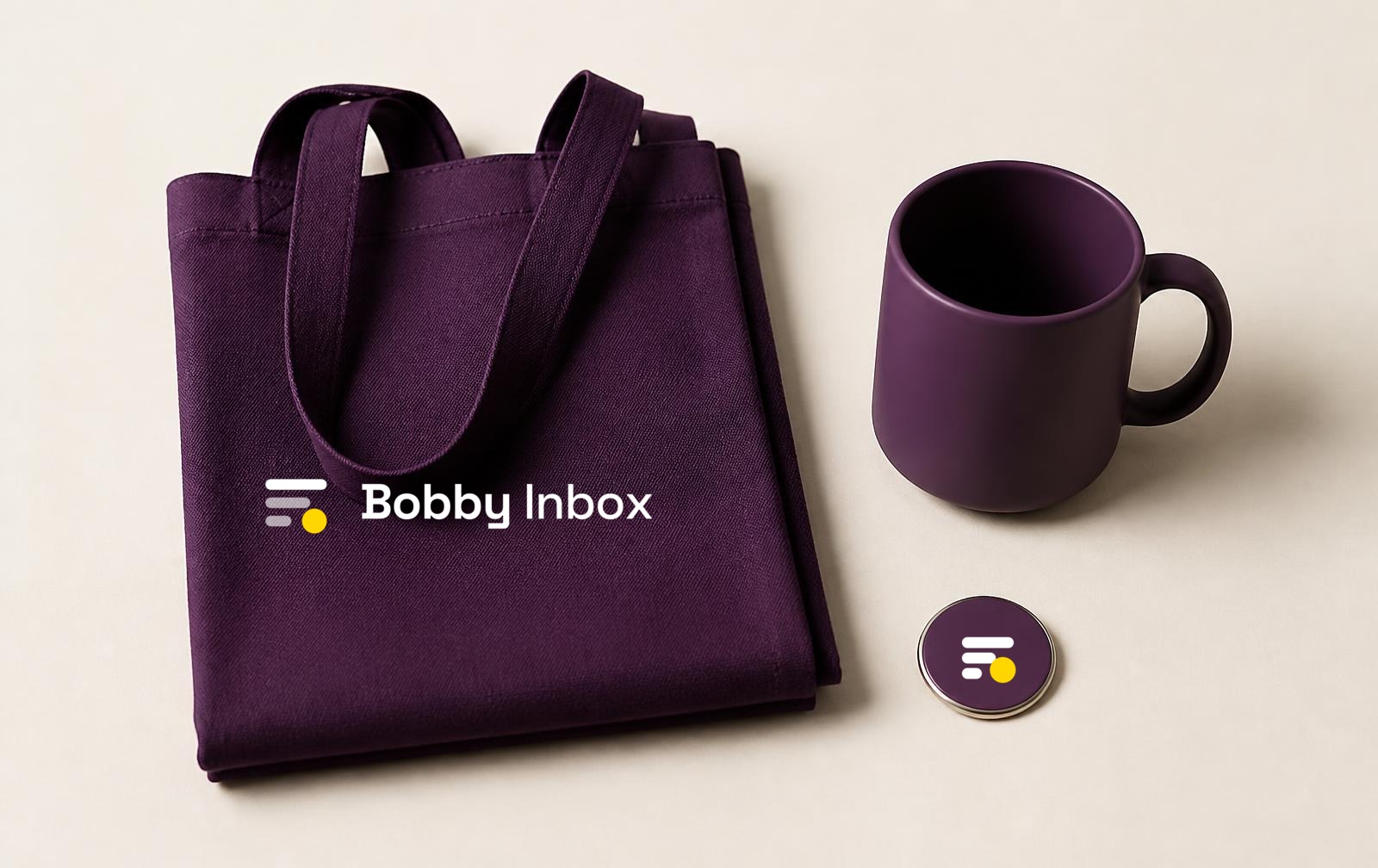
Bobby Inbox merchandise flat lay with the Signal Stack lockup applied to a tote and notebook
Generated scene, no text in the raster; the real lockup was composited afterwards.
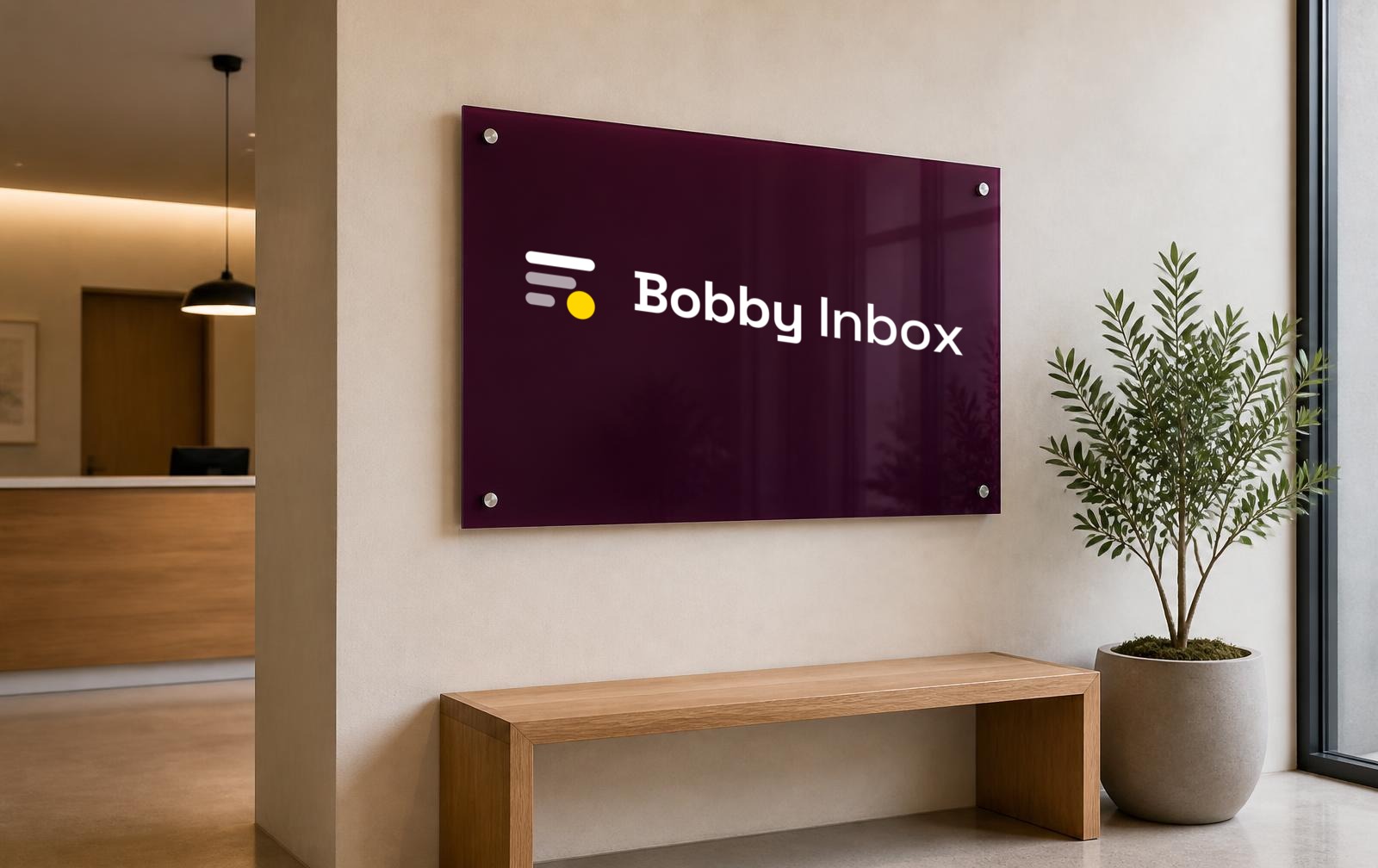
Reception wall signage carrying the Bobby Inbox Signal Stack lockup
Environmental application; the mark is never redrawn to fit a surface.
  • AI-generated imagery must contain no generated text or lettering.
  • The Signal Stack mark is applied after generation from the real vector file.
  • No fake customer brands, logos, endorsements or competitor interfaces.
  • Keep the flat-colour brand language: no gradient overlays, no glow, no colour grading toward teal-orange.

33 · Expression

Motion principles

Motion explains a change of state and then stops. Durations are 120–420ms, easing is cubic-bezier(0.2, 0.8, 0.2, 1) for entrances and (0.4, 0, 0.2, 1) for progress. The studies below are code-driven specimens, not the product film.

Message arrival

240ms slide down and fade in. Existing rows shift, never jump.

Priority signal

Two pulses only, then rest. Priority is never a permanent blink.

Forwarding progress

Determinate where possible; the bar never loops after success.

  • Signal Stack reordering: rows animate with FLIP transforms at 280ms so the eye can follow which row moved.

  • Delivery success: a single checkmark draw at 200ms. Failure: a 120ms shake of 3px, never red flashing.

  • Teammate assignment: the avatar scales 0.9 → 1 at 160ms; the row border shifts colour, no bounce.
  • AI summary: the card expands in height at 220ms with content fading in at 120ms delay — it never types character by character.
  • Page transitions: 160ms cross-fade only. No slide, no parallax, no scroll-jacking.
  • Hover and focus: 120ms colour transitions; the focus ring appears instantly and is never animated away.
  • Reduced motion: prefers-reduced-motion:reduce removes all of the above, leaving instant state changes. Implemented globally across the site.

34 · Expression

Product film

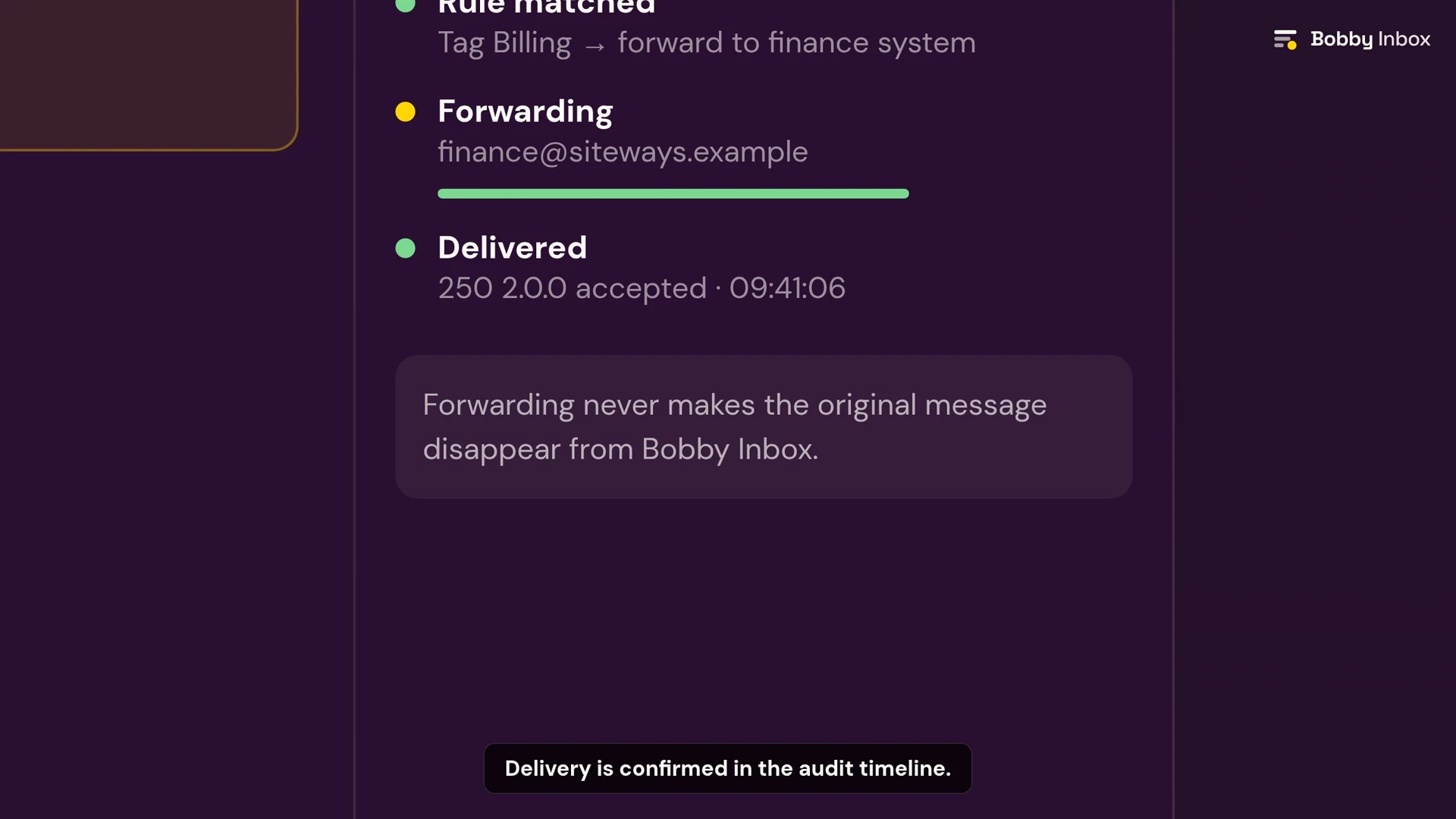
The canonical Bobby Inbox product film. It is a 27-second silent, code-driven animation of the interface concept at 1920×1080 and 30fps — no stock footage, no generated interface, no music. Every frame uses the real Signal Stack geometry and the flat brand palette, and the film is designed to be understood muted.

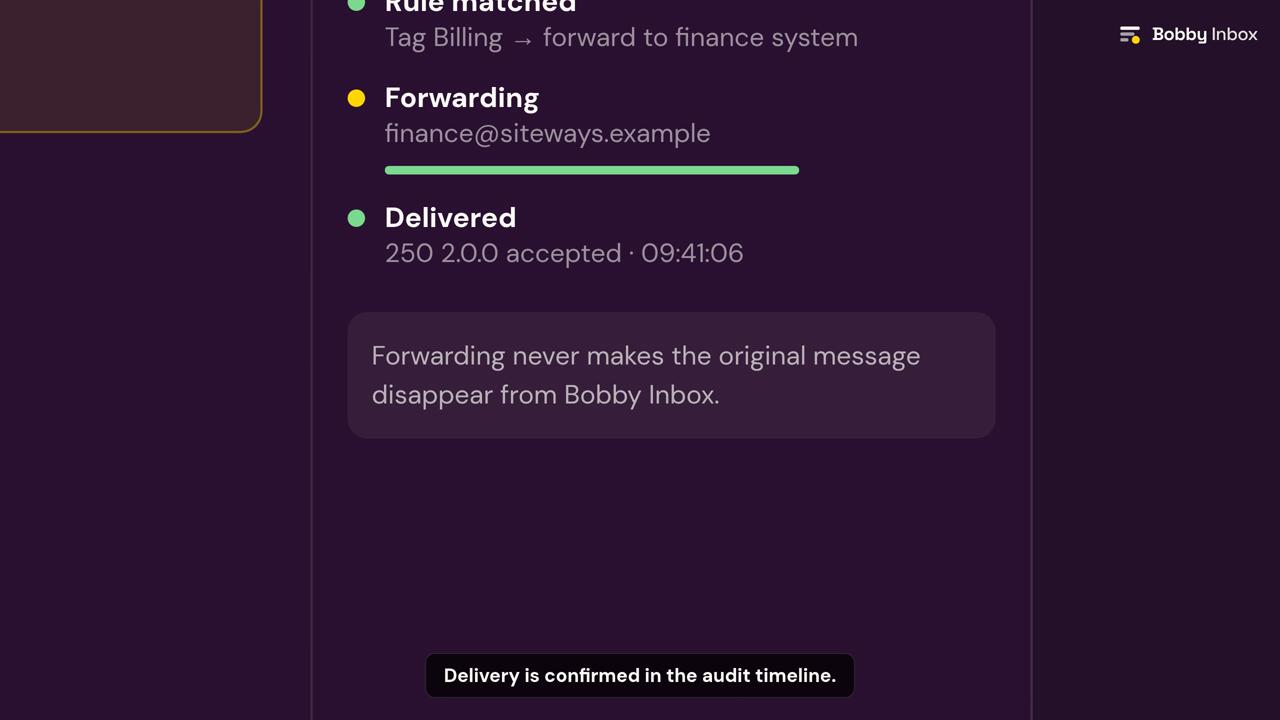
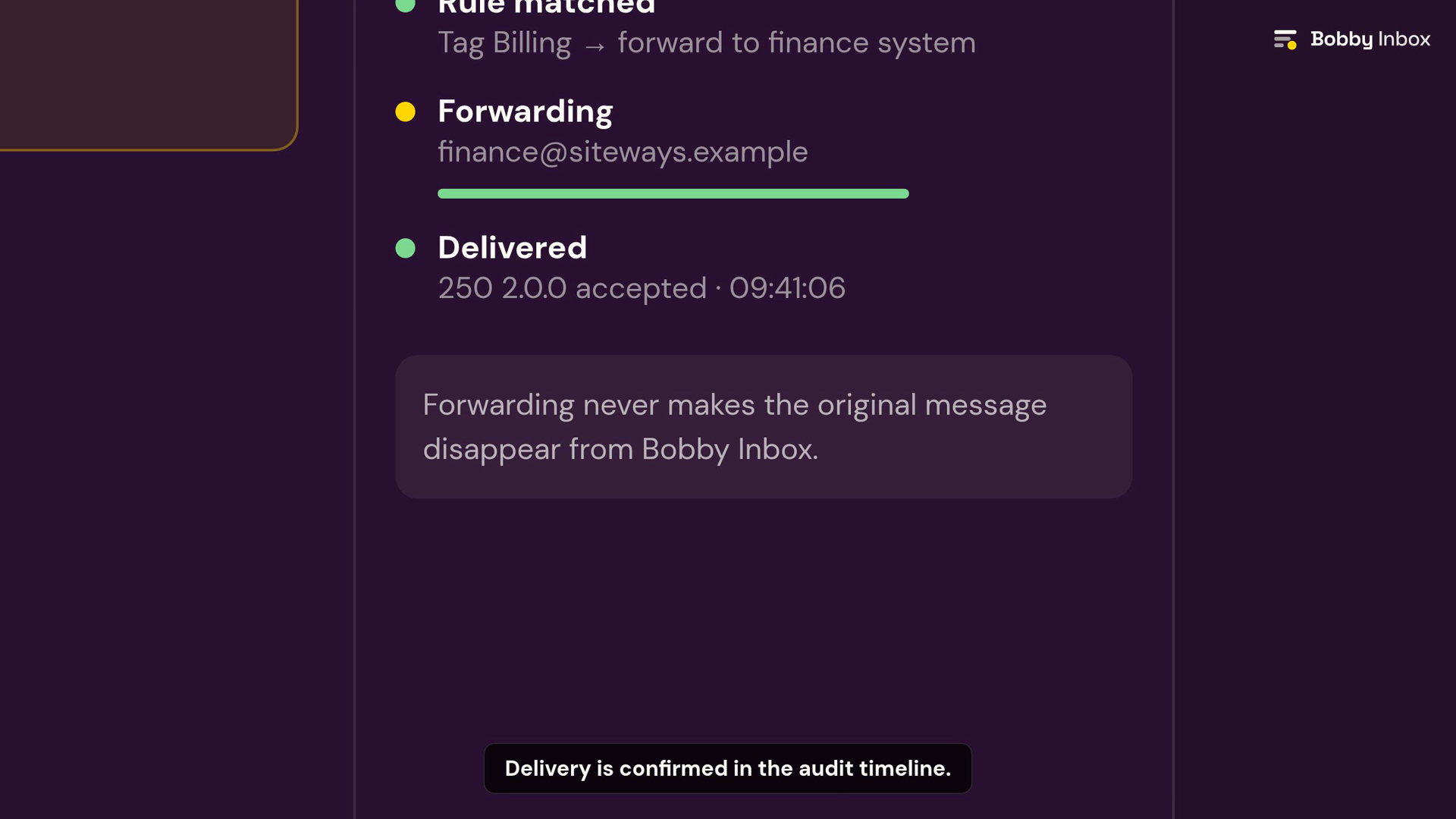
  • Sequence: inbound address → channel arrival → conversation opens → optional AI summary and priority → routing rule and forwarding progress → delivery confirmed → teammate assignment → internal comment → shared reply drafted → reply sent → mobile view.
  • Timing is calm: reveals run 14–22 frames with a cubic ease-out, and nothing moves purely for decoration.
  • Captions are burned in for muted viewing and also supplied as a WebVTT track plus a plain-text transcript.
  • Reduced-motion alternative: the homepage offers the same interface as a still concept, and the film never autoplays.

35 · Expression

UI-component language

Radius 12px on containers, 8px on controls, 999px on status dots and pills. One-pixel borders, no shadows deeper than a 1px hairline, no gradient fills.

Buttons

Create a channelOpen inboxSee how routing worksRead the docsDisabled

Notification banners

Priority signal. Two messages in this channel match your escalation rule.

Forwarding is set up. Forwarded mail stays visible in this channel — nothing is moved away.

Delivery failed. The receiving server refused the message. The full attempt history is on the audit tab.

Public-site navigation and hero

Bobby Inbox
Start free

AI-assisted shared inbox

The important signal rises. Everything else stays exactly where you left it.

Receive email directly or by forwarding. Every message stays visible in its channel, your team answers from one place, and every routing decision is recorded.

36 · Expression

Inbox application examples

Brand-language examples only — static compositions with sample data that show how the visual system behaves in the product.

Shared inbox18 open
Search this channel
  • Nadia Kern

    09:41

    Invoice mismatch on order 4471

    Priority · assigned to Sam

  • billing@ (forwarded)

    09:41

    Payment retry scheduled for Thursday

    Forwarded · still visible here

  • Tomas Weel

    09:41

    Re: onboarding call notes

    Delivered · 2 attempts logged

AI summary — optional, workspace controlled

Three messages in this thread concern the same invoice. The customer is waiting on a corrected total, not a refund.

Generated on request · a person still writes and sends the reply

SMAssigned to Sam M.Add teammateDelivered 09:42Routed by rule “Billing”

No messages in this channel yet

Point an address here or set up forwarding. The first message will appear at the top of the stack.

Set up an address

This channel could not be loaded

Nothing was lost. Your messages are still in the channel — reload to try again, or check the delivery audit for details.

Reload channel

Mobile navigation and inbox header

Bobby Inbox

One clear place for team communication

Start free
Shared inbox

support@bobbyinbox.com · 18 open

  • Invoice mismatch on order 4471
  • Payment retry scheduled
  • Re: onboarding notes

37 · Voice

Tone of voice

We sound like

Calm, precise, accountable. A colleague who read the whole thread before speaking and tells you exactly what happened.

We never sound like

Breathless, magical or scolding. We do not celebrate an empty inbox, dramatise workload, or promise autonomy the workspace has not switched on.

38 · Voice

Writing principles

  • Sentence case everywhere. Title case only for the product name.
  • Lead with what happened, then what it means, then what to do.
  • Prefer verbs to nouns: 'route this message', not 'message routing functionality'.
  • Say who acted. 'Sam assigned this to you' beats 'this was assigned'.
  • Never blame the reader. An error explains the system's state, not the user's mistake.
  • Numbers are specific or absent — no 'blazing fast', no unverified percentages.
  • British or American spelling may be chosen per market, but never mixed within a surface.

39 · Voice

Approved product terminology

Approved Bobby Inbox terminology
UseNotWhy
workspaceaccount, orgThe team's home in Bobby Inbox.
channelfolder, mailbox, labelA shared destination, not a private store.
messageemail, ticketEmail is the first channel, not the only one.
threadconversation chainOne subject, many messages.
routingfiltering, sortingRouting is a recorded decision.
forwardingredirectA copy arrives and stays visible.
delivery auditlogsHuman-readable history, not raw logs.
assignmentownership transferOne accountable person at a time.
AI summaryAI reply, autopilotAssistance, not action.
optional API add-onAPI includedIt is an add-on.
MCP — Coming soonMCP supportNot built. Never implied as live.

40 · Voice

Example public-site copy

Hero

The important signal rises. Everything else stays exactly where you left it.

Receive email directly or by forwarding. Every message stays visible in its channel, your team answers from one place, and every routing decision is recorded.

Forwarding

Forwarding adds visibility instead of removing it.

Point an address you already use at a Bobby Inbox channel. The message arrives here and stays here — nobody has to remember where it went.

Routing

Routing you can explain afterwards.

Every rule that matched, every assignment and every delivery attempt is recorded against the message.

AI assistance

Assistance you switch on, not autonomy you inherit.

Ask for a summary of a long thread when it helps. Your workspace decides what assistance is available, and a person still writes the reply.

41 · Voice

Example interface copy

Empty channel

No messages in this channel yet. Point an address here or set up forwarding.

Priority raised

Raised by the rule “Billing”. It stays at the top until someone takes it.

Assignment

Sam has this one. Reassign if that is not right.

Forwarding confirmed

Forwarding is set up. Forwarded mail stays visible in this channel.

Delivery success

Delivered at 09:42. The receiving server accepted the message.

Delivery failure

The receiving server refused this message. The full attempt history is on the audit tab.

AI summary

Summary generated on request. Check it before you rely on it.

MCP

MCP — Coming soon.

42 · Applications

Social-media direction

Profiles use the Deep Aubergine avatar; covers use the horizontal lockup on a flat brand surface with the wordmark inside the platform's safe area. One idea per post, one yellow element per image.

Bobby Inbox LinkedIn cover artwork
LinkedIn cover 1128×191
Bobby Inbox Open Graph share image
Open Graph 1200×630

43 · Applications

Social-media copy examples

📨 Forwarding shouldn't be a disappearing act. In Bobby Inbox the message stays in the channel your team is already watching.

One shared address. Several people. Zero “did anyone answer this?”

Priority is a property of the message, not a memory of a person.

Routing you can explain afterwards: which rule matched, who took it, what the receiving server said.

Assistance you switch on — not autonomy you inherit. A person still writes the reply.

Email first. Other channels later. MCP — Coming soon.

44 · Applications

Email-brand applications

Bobby Inbox transactional email headerBobby Inbox transactional email footer
  • Header: horizontal lockup, left aligned, 24px clear space, Deep Aubergine band.
  • Body: DM Sans 16/1.6 Ink on white, 600px content column, single call to action.
  • Footer: wordmark, workspace name, and a plain-language reason the message was sent.
  • Always ship a plain-text alternative; the brand must survive with no images loaded.

45 · Applications

Invoice and document applications

Bobby Inbox invoice headerBobby Inbox document header
  • Invoices and documents use the black or single-ink lockup for reliable print reproduction.
  • Tabular figures for all amounts; Ink on white only.
  • Yellow appears at most once, as a 3px rule under the document title.

46 · Applications

Presentation applications

Bobby Inbox presentation cover slide
  • Cover: Deep Aubergine field, stacked lockup, one line of Space Grotesk Bold.
  • Content slides: Canvas background, one idea per slide, max 24 words.
  • Section dividers invert to Deep Aubergine with a single yellow dot as the marker.

47 · Applications

Merchandise and environment

Bobby Inbox branded merchandise flat layBobby Inbox environmental signage mockup
  • Merchandise carries the symbol alone or the stacked lockup — never a stretched horizontal lockup across a curved surface.
  • Single-colour print uses the monochrome build; the dot is never simulated with a screen or tint.
  • Environmental signage keeps the full clear space and never sits on a photographic background.

48 · Assets

Asset naming and file formats

All production assets live under /images/ with lowercase, hyphenated names. Archives live under /images/kits/.

bobby-inbox-{asset}-{variant}-{size}.{ext}

  • /images/bobby-inbox-logo-primary.svg
  • /images/bobby-inbox-logo-white.svg
  • /images/bobby-inbox-signal-stack.svg
  • /images/bobby-inbox-micro-mark.svg
  • /images/bobby-inbox-favicon-32.png
  • /images/bobby-inbox-app-icon-1024.png
  • /images/bobby-inbox-avatar-purple.png
  • /images/bobby-inbox-open-graph.png
  • /images/kits/bobby-inbox-brand-kit-complete.zip
  • SVG is the master for every vector asset; PNG exports are generated from it, never traced back.
  • PNG for transparency and platform uploads, JPG for photographic mockups, WebP where a lighter web copy helps.
  • ICO is provided for the favicon only, as a multi-resolution file.
  • Square assets are genuinely 1:1 — circular presentation is CSS in the preview, never a crop baked into the file.

49 · Assets

Downloadable asset browser

Every file below is a real generated asset served from /images/. Each download link points at the file it previews.

Logos and lockups

Horizontal and stacked lockups in every approved colourway. SVG is the master format; PNG exports are 1200px wide with a transparent background unless the colourway includes a surface.

Wordmark-only assets

Use the wordmark alone where the symbol already appears nearby, or where a container is too short for the full lockup.

Signal Stack symbols and micro marks

The standalone symbol carries the brand where space is tight. Below 24px switch to the micro mark, which uses heavier rows and an oversized status dot.

Favicon family

Rounded Deep Aubergine tile with the micro mark, exported at true pixel sizes plus a multi-resolution .ico for legacy browsers.

App icon family

Genuine 1:1 square exports from 16 to 1024px. The rounded corner is drawn into the artwork so platforms that apply their own mask still crop cleanly.

Avatar family

Square 1024px and 512px files. Platforms crop these to a circle; the artwork keeps enough margin that no row or dot is clipped.

Social profiles, covers and Open Graph

Platform-sized artwork with the lockup centred inside the safe area. Open Graph, Instagram and presentation art also ship as JPG and WebP.

Email, document and presentation

Header and footer artwork sized for transactional email, invoices, documents and slide covers.

Merchandise and environmental mockups

Original photographic scenes generated without any text, with the real Signal Stack lockup applied afterwards. The mark is never redrawn or restyled.

  • Merchandise flat lay preview

    Merchandise flat lay

  • Reception signage preview

    Reception signage

Product film

The 27-second silent, code-driven product film plus its poster, thumbnail, captions and transcript. Rendered from real Bobby Inbox components — no stock footage or generated interface.

Checkpoint record

Signal Stack was selected in BI-UI-001A and remains the sole active direction. The decision record, including refinement notes, is preserved separately.

Design record with sample data. For the current pilot scope, see the home page.